



About This Program
FastStone Capture v11.0 is a lightweight yet powerful screen capture and screen recording tool designed for Windows users. It allows you to easily capture anything on your screen, including windows, objects, full screens, scrolling web pages, and even freehand areas. The software provides a range of editing options, annotations, and effects to enhance your captured images or recordings instantly.
With its user-friendly interface and compact design, FastStone Capture ensures smooth performance without consuming heavy system resources. Whether you are a student, teacher, YouTuber, or professional, this tool helps you create tutorials, record webinars, take screenshots, and capture video content efficiently.
The latest version, FastStone Capture v11.0, comes with improved stability, new editing features, and better video recording capabilities. It supports high-quality output in multiple formats and integrates well with other applications for direct sharing or saving your work.
Key Features
- Capture full screen, active window, or selected region
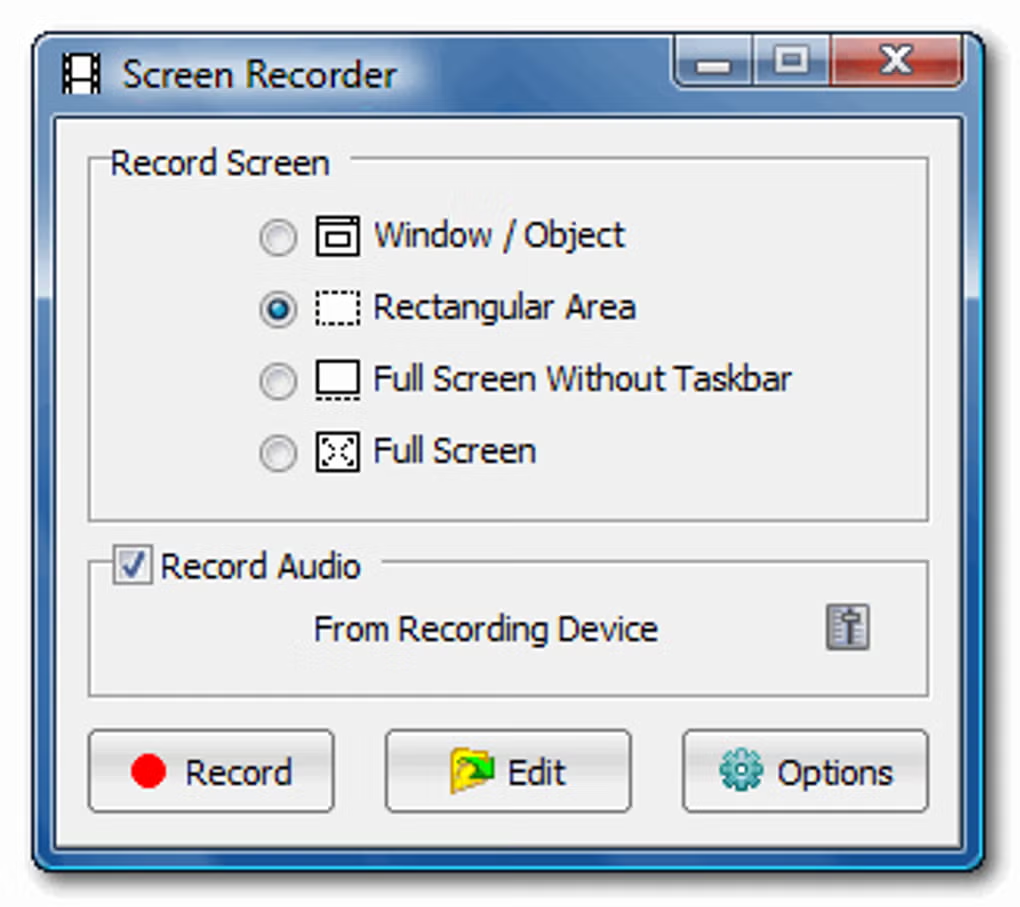
- Record screen activities with microphone and system sound
- Scrolling capture for long web pages and documents
- Built-in image editor for annotations, highlights, and effects
- Supports image formats like BMP, JPEG, PNG, GIF, and PDF
- Option to add text, arrows, watermarks, and borders
- Screen magnifier, color picker, and crosshair tools included
- Customizable hotkeys for quick actions
- Direct upload and sharing via email or web
- Lightweight, fast, and portable with no lag
Screenshots

System Requirements
- OS: Windows 7, 8, 10, 11 (32-bit or 64-bit)
- CPU: Intel Pentium 4 or higher
- RAM: Minimum 1 GB (2 GB recommended)
- Storage: 50 MB of free disk space
- Display: 1024×768 resolution or higher
FAQs
Q1: Is FastStone Capture v11.0 free?
A: It offers a free trial version with limited use. A one-time license is available for full access.
Q2: Can I record system sound and microphone together?
A: Yes, FastStone Capture allows you to record both simultaneously.
Q3: Does it support video editing?
A: Basic editing tools like trimming, annotation, and highlighting are included, but it’s not a full video editor.
Q4: Can I capture a scrolling webpage?
A: Yes, it supports automatic scrolling capture for long pages or documents.
Q5: Is it compatible with Windows 11?
A: Yes, the latest version works perfectly with Windows 11.
Summary
FastStone Capture v11.0 is a professional-grade screen capturing and recording tool suitable for tutorials, presentations, and documentation. It combines advanced features with simplicity, offering high-quality screenshots, smooth video recording, and instant editing. With low system requirements and excellent stability, it’s a reliable choice for both personal and professional use.

0 Comments